
Updates
Change your profile photo
Set or refresh your profile photo from Account → Profile Information, and it updates everywhere your profile appears.
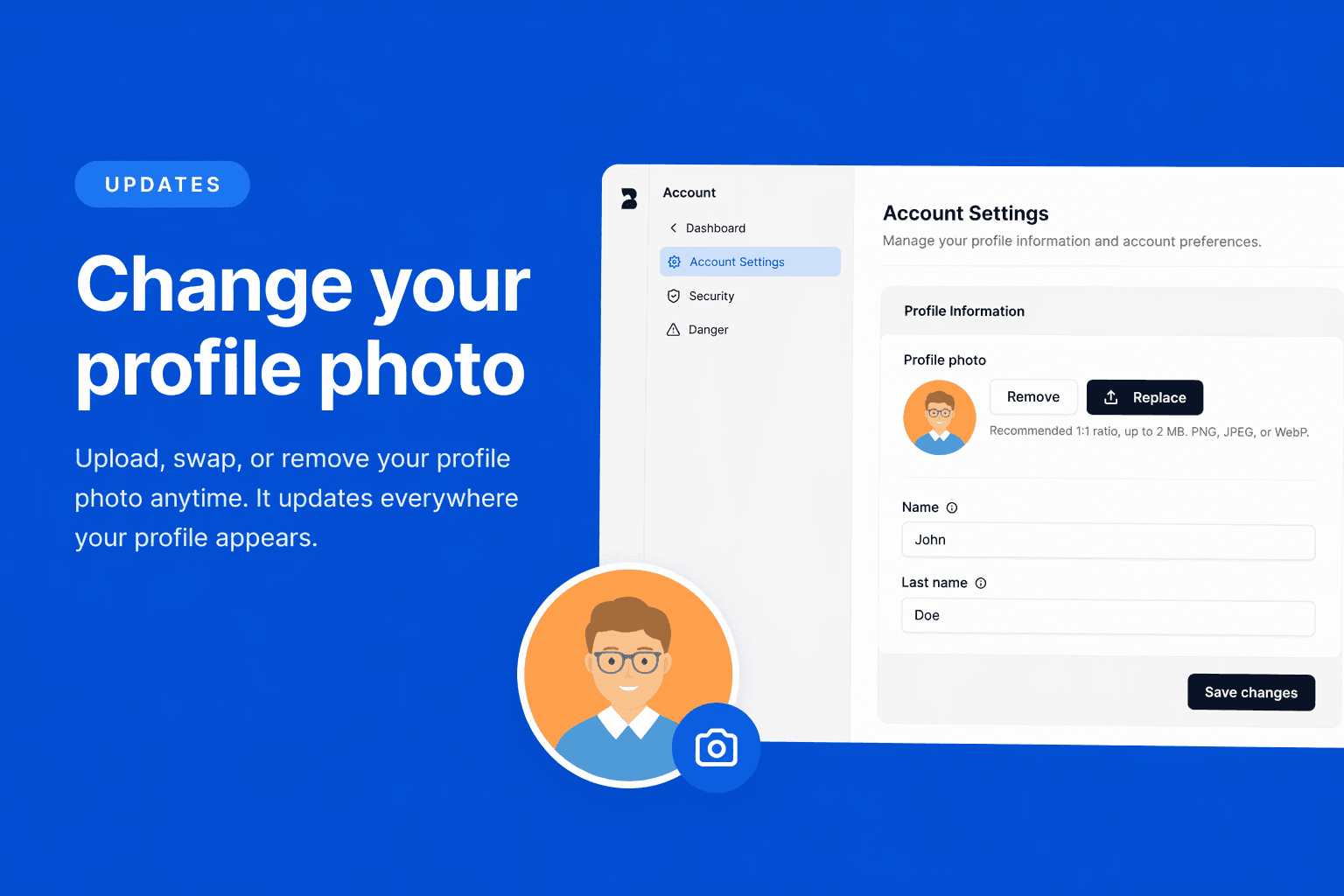
Profile photos are editable in-app: upload, swap, or clear yours whenever you like.
📸 What’s new
- Upload a new photo so teammates recognize you in People, leave flows, and notifications
- Replace or remove your picture anytime—it updates across your workspace
Where to find it
Go to Account → Profile Information and update your profile image there.
If you have ideas for what we should improve next, we’re listening.